
.svg)
How to use AI to automate PowerPoint
Artificial intelligence applied to PowerPoint presentations makes it possible to automatically generate slides from text, optimize layout, suggest designs, and improve content. These tools use natural language processing and computer vision algorithms to transform ideas into structured presentations, dramatically reducing creation time while maintaining quality.

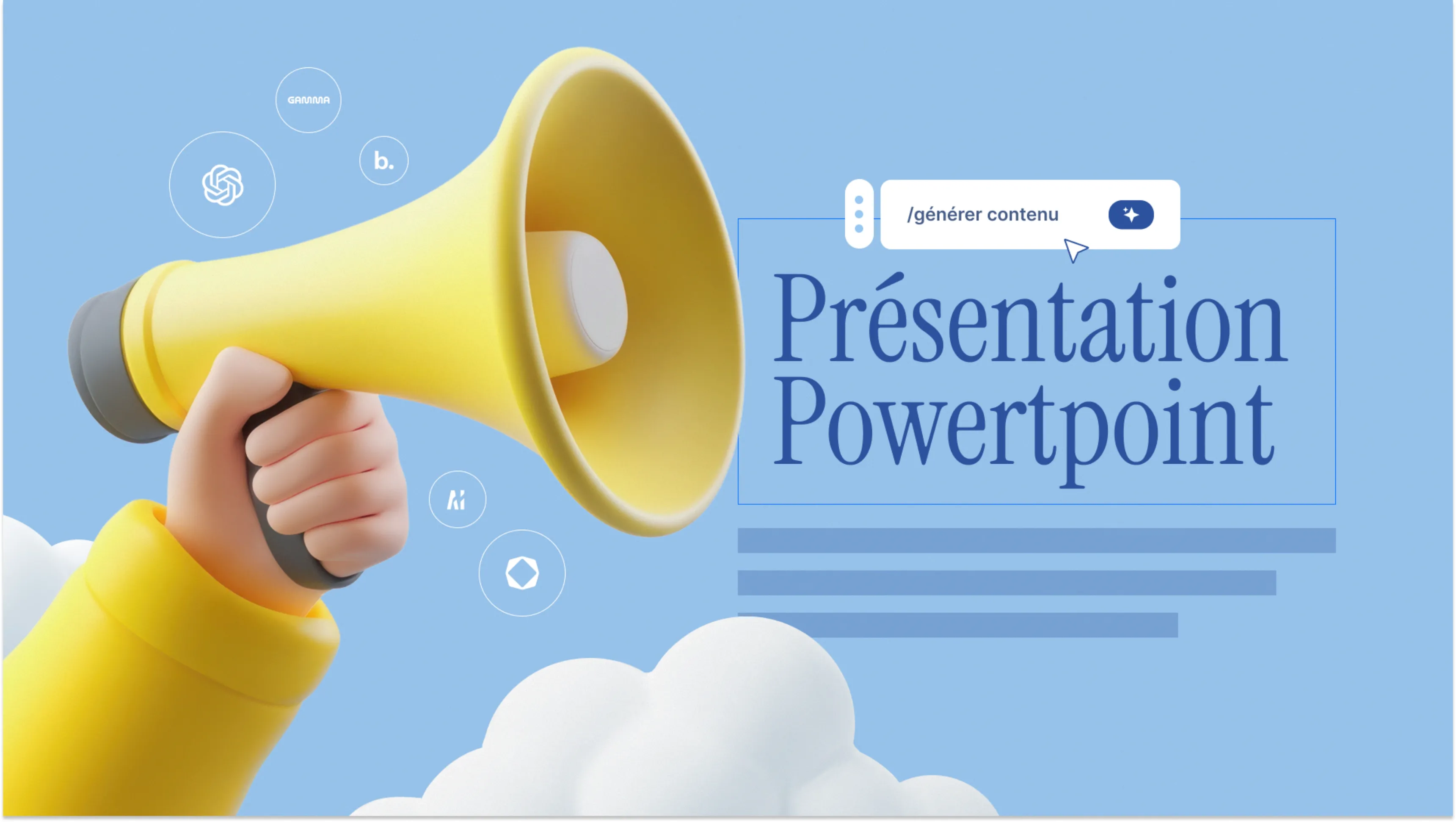


Definition of AI for Presentations
Definition: AI for presentations refers to the set of artificial intelligence technologies enabling the creation, optimization, and automation of professional visual materials design such as PowerPoint, Google Slides, or Keynote.
Artificial intelligence transforms presentation creation by automating three main tasks: structure and text content generation, layout optimization, and image selection. These systems analyze your brief and produce a complete presentation in minutes, where a manual process would require several hours.

What AI Does Well in 2025
Structure and content generation
AI tools for PowerPoint excel at quickly creating logical structure. From a simple brief (200 words), they generate a complete outline with section titles, sub-points, and transition text. This feature eliminates blank page syndrome and establishes a solid foundation in 5 minutes. To transform this structure into a visually exceptional presentation, our PowerPoint presentation design agency combines AI efficiency with professional design excellence.
Typical generation process:
1. Enter brief: objective, audience, key messages, duration
2. Automatic generation: detailed outline with 15-20 slides
3. Content development: complete text for each slide
4. Iteration: adjustments based on your feedback
Layout optimization
Automatic optimization applies professional design principles: harmonious spacing, precise alignment, consistent typographic hierarchy. AI detects visual imbalances (overly dense text, poorly proportioned images) and proposes instant corrections.
| Optimized element | Manual time | Time with AI | Time savings |
|---|---|---|---|
| Content structure | 45-60 min | 5-10 min | 85% |
| Slide writing | 90-120 min | 20-30 min | 75% |
| Layout and design | 60-90 min | 10-15 min | 80% |
| Total (20 slides) | 4-6 hours | 45-90 min | 70% |
Rapid variation generation
AI allows creating multiple versions of a presentation for different audiences in minutes. The same business pitch automatically adapts to investors, partners, or clients, with tone adjustments, detail level, and examples.
📋
Quick Summary: For standard presentations (reports, training, classic pitches), AI reaches 70-80% professional quality directly, reducing creation time by 70%.
2025 AI Tools Comparison
The AI tools for presentations market offers several solutions with different approaches. Here's a detailed comparison of main platforms available in 2025.
ChatGPT: The content specialist
ChatGPT from OpenAI isn't specifically designed for presentations but excels at structure and text content generation. Its advantage lies in conversational flexibility: you progressively refine structure through iterative dialogue.
Workflow with ChatGPT:
1. Request complete structure with titles and key points
2. Develop each section slide by slide
3. Refine tone and style based on feedback
4. Export content to PowerPoint for visual formatting
Main limitation: ChatGPT only generates text. You must then manually create visual design in PowerPoint, which requires layout skills.
Gamma: Complete automated generation
Gamma represents a new generation of fully integrated tools. From a simple prompt, Gamma generates a complete presentation with professional design, relevant images, and optimized layout. The result is immediately presentable.
Strengths: Exceptional layout intelligence, automatic content type detection (list, statistics, quote), optimal visual template application.
Weaknesses: Standardized and recognizable designs, limited PowerPoint export (some features don't transfer), basic brand customization.

Beautiful.ai: Adaptive design
Beautiful.ai stands out for its intelligent adaptive design. When you add or remove content, the layout automatically reorganizes to maintain visual balance. This feature eliminates alignment problems.
Strengths: Complete PowerPoint export with all features, professional template library, real-time collaboration.
Weaknesses: Text content generation less powerful than ChatGPT or Gamma, requires more manual intervention for text.
Tome: Storytelling specialist
Tome positions itself on narrative presentations with strong storytelling component. AI generates not only content but also narrative progression, creating a coherent emotional arc.
Strengths: Subtle animated transitions, smooth visual connection between slides, excellent for pitches and inspirational presentations.
Weaknesses: Proprietary format limiting PowerPoint export, less suited to very factual presentations (reports, analyses).
Designs.ai: Complete creative suite
Designs.ai offers a creative tool suite including a presentation generator. Its specialty: creating original visuals (logos, illustrations, short videos) integrated directly into presentations.
Strengths: Creating unique and customized visuals, advanced brand consistency, complete suite for all visual needs.
Weaknesses: Steeper learning curve, higher pricing to access all features.

Detailed comparison table
| Tool | Content generation | Automatic design | Visual quality | PowerPoint export | Price/month (2025) | Ideal for |
|---|---|---|---|---|---|---|
| ChatGPT | ⭐⭐⭐⭐⭐ | ❌ None | N/A | Manual | €20 | Structure and text content |
| Gamma | ⭐⭐⭐⭐ | ⭐⭐⭐⭐⭐ | ⭐⭐⭐ Acceptable | ⭐⭐ Limited | €15-20 | Complete quick creation |
| Beautiful.ai | ⭐⭐⭐ | ⭐⭐⭐⭐⭐ | ⭐⭐⭐ Acceptable | ⭐⭐⭐⭐⭐ Complete | €12-15 | Professional standard presentations |
| Tome | ⭐⭐⭐⭐ | ⭐⭐⭐⭐ | ⭐⭐⭐⭐ Good | ⭐⭐ Limited | €16-22 | Pitch and storytelling |
| Designs.ai | ⭐⭐⭐ | ⭐⭐⭐⭐ | ⭐⭐⭐⭐ Good | ⭐⭐⭐ Average | €25-40 | Original visuals and branding |
⚠️ Warning: All these tools produce "acceptable" but standardized designs. For strategic presentations (major fundraising, product launches, corporate events), visual quality remains inferior to that of a professional designer or agency like Slidor.
AI Design Limitations
Standardized and recognizable design
The main problem with AI for design: all users of the same tool produce visually similar presentations. Templates, color palettes, and compositions remain within a predefined framework. Investors and decision-makers instantly recognize a presentation generated by Gamma or Beautiful.ai.

Consequences:
- Lack of differentiation: your pitch looks like 100 others
- "Mass production" impression: negative signal for strategic stakes
- Absence of memorability: nothing visually distinguishes your presentation
Limited brand consistency
AI tools offer basic customization: logo import, color palette change. But they don't understand the subtleties of visual identity: specific typographic hierarchy, context-appropriate color use, consistent photographic treatment, signature graphic elements.
Strategic visual storytelling
Artificial intelligence generates logical but rarely exceptional presentations in visual narrative terms. It doesn't understand how to:
- Create progressive visual tension build-up
- Use contrast to highlight a key message
- Design a memorable visual metaphor
- Subtly adapt design to each section's emotion
This strategic understanding of design as a persuasion tool remains human expertise.
Absence of creative originality
AI systems recombine existing elements but don't create truly original visual concepts. For presentations where visual innovation is a competitive advantage (creative agencies, tech startups, premium brands), AI produces overly conventional results.
⚠️ Warning: For major strategic presentations (fundraising >€1M, critical product launches, event keynotes), expertise from a professional designer or specialized agency like Slidor remains essential to create a unique and memorable visual experience.
When to Use AI vs Professional
Optimal use cases for AI
AI for presentations excels in these contexts:
Internal and operational presentations:
- Weekly or monthly project reports
- Standardized training materials
- Meeting summaries and reports
- Team progress presentations
High volume and rapid iterations:
- Multiple sales proposals for similar prospects
- Presentation variations for different audiences
- Frequent updates with new data
Limited budgets and tight deadlines:
- Early-stage startups with limited resources
- Urgent presentations (deadline <24h)
- Tests and prototypes before final version
| Criterion | Use AI | Hire professional |
|---|---|---|
| Strategic stakes | Low to medium | High to critical |
| Budget | <€500 | >€1000 |
| Deadline | <48h | >1 week available |
| Audience | Internal, operational | External, decision-making |
| Visual differentiation | Not priority | Essential |
| Volume | High (>5/month) | Occasional (1-3/year) |
When to hire an agency like Slidor
Specialized PowerPoint design agencies bring irreplaceable value for:
High-impact strategic presentations:
- Significant fundraising (Series A and beyond)
- Major product launches
- Event keynotes and conferences
- Board and executive committee presentations
Strong brand identity and differentiation:
- Companies with sophisticated brand guidelines
- Competitive sectors requiring strong visual differentiation
- Premium brands demanding visual excellence
Complex and narrative storytelling:
- Long presentations (>30 slides) requiring narrative consistency
- Technical subjects requiring visual simplification
- Emotional and inspirational messages

Professional added value:
- Custom design: unique visual creation reflecting your identity
- Strategic storytelling: narrative structure optimized to convince
- Expert advice: recommendations on structure and key messages
- Execution excellence: impeccable quality of every visual element
- Brand consistency: deep respect for your visual identity
Recommended Hybrid Workflow
The best approach in 2025 combines AI efficiency with professional design expertise. This hybrid method optimizes time and quality.
Phase 1: Structure with AI (1-2 hours)
Use ChatGPT or Gamma to:
1. Generate overall presentation structure
2. Develop text content for each slide
3. Identify necessary visual types (charts, images, diagrams)
4. Create first "functional" version
AI can also suggest impactful animations that you'll then implement manually in PowerPoint to maximize visual impact.
Result: A structured content base at 70% of final result, with key messages, data, and narrative flow defined.
Phase 2: Review and refinement (2-3 hours)
Human intervention for:
- Verify factual accuracy of all data
- Refine messages and wording according to your context knowledge
- Adapt tone precisely to your audience
- Identify key moments requiring strong visual impact
Phase 3: Professional design (based on stakes)
For strategic presentations:
- Transmit finalized content to a specialized pitch deck agency
- Briefing on objectives, audience, brand constraints
- Custom visual design creation by designers
- Iterations until exceptional final version
Hybrid workflow gains:
- 90% structure time saved thanks to AI
- 100% visual quality thanks to professional design
- Optimized cost: agency only bills design, not structure
📋
Quick Summary: AI for speed and structure + Professional designer for visual excellence = Maximum efficiency and premium quality. This combination reduces costs by 30-40% compared to 100% manual creation while preserving quality.
Concrete example:
- Series A investor pitch: ChatGPT generates structure and content (2h) → You refine messages (3h) → Professional designer creates premium design (1 week) = Memorable presentation at optimized cost
- Internal monthly report: Gamma generates complete presentation (30 min) → You verify data (30 min) = Professional presentation in 1h
For creations requiring a more sophisticated presentation software than an AI solution, combine the strengths of multiple tools according to your specific needs.
Frequently Asked Questions
What exactly is AI for PowerPoint?
AI for PowerPoint refers to tools using artificial intelligence to automate presentation creation. These technologies generate text content, optimize layout, and select relevant visuals. In 2025, tools like ChatGPT, Gamma, and Beautiful.ai combine natural language processing and design rules to transform a brief into a complete presentation in minutes.
Are AI-generated presentations professional quality?
AI presentations reach 70-80% professional quality directly for standard use (reports, training, classic pitches). Basic structure and layout are excellent. However, design remains standardized and recognizable. For strategic presentations requiring visual differentiation and aesthetic excellence, intervention from a professional designer or agency like Slidor remains essential to reach 100% quality.
What is the cost of AI tools for presentations in 2025?
Rates vary from €12 to €40 per month depending on tool. ChatGPT Plus costs €20/month for content generation. Gamma offers €15-20/month with complete creation. Beautiful.ai charges €12-15/month. Tome: €16-22/month. Designs.ai: €25-40/month for complete suite. Limited free versions exist for testing. For professional use, a €15-20/month subscription is optimal, paid back from 2-3 monthly presentations.
Can AI replace a PowerPoint design agency?
No, AI doesn't replace a specialized agency like Slidor but optimizes the process. AI excels at structure and content (70% time savings), while agencies bring strategic visual excellence: custom design, deep brand consistency, impactful visual storytelling. For critical presentations (fundraising, product launches, keynotes), an agency's creative and strategic expertise remains irreplaceable. Best approach: AI for structure + agency for final design.
How to choose between AI and professional designer for my presentation?
The decision depends on three criteria: strategic stakes, budget, and visual differentiation. Use AI for internal, operational, high-volume presentations or limited budget (<€500). Hire professional (Slidor agency) for high-impact external presentations: fundraising, strategic pitches, major events, decision-making audiences. If presentation directly influences critical decisions (funding, important partnerships), investing in professional design (€1000-5000) is profitable. Hybrid workflow (AI for structure + designer for visual) optimizes cost and quality.
---
Conclusion: In 2025, artificial intelligence revolutionizes PowerPoint presentation creation by automating structure and layout. Tools like ChatGPT, Gamma, and Beautiful.ai reduce creation time by 70% and excel for standard presentations. However, their visual design limitations (standardization, superficial brand consistency, absence of originality) make them insufficient for strategic presentations. The best approach combines AI efficiency for structure with professional agencies' expertise like Slidor for visual design, offering both speed and premium excellence.
.webp)


