

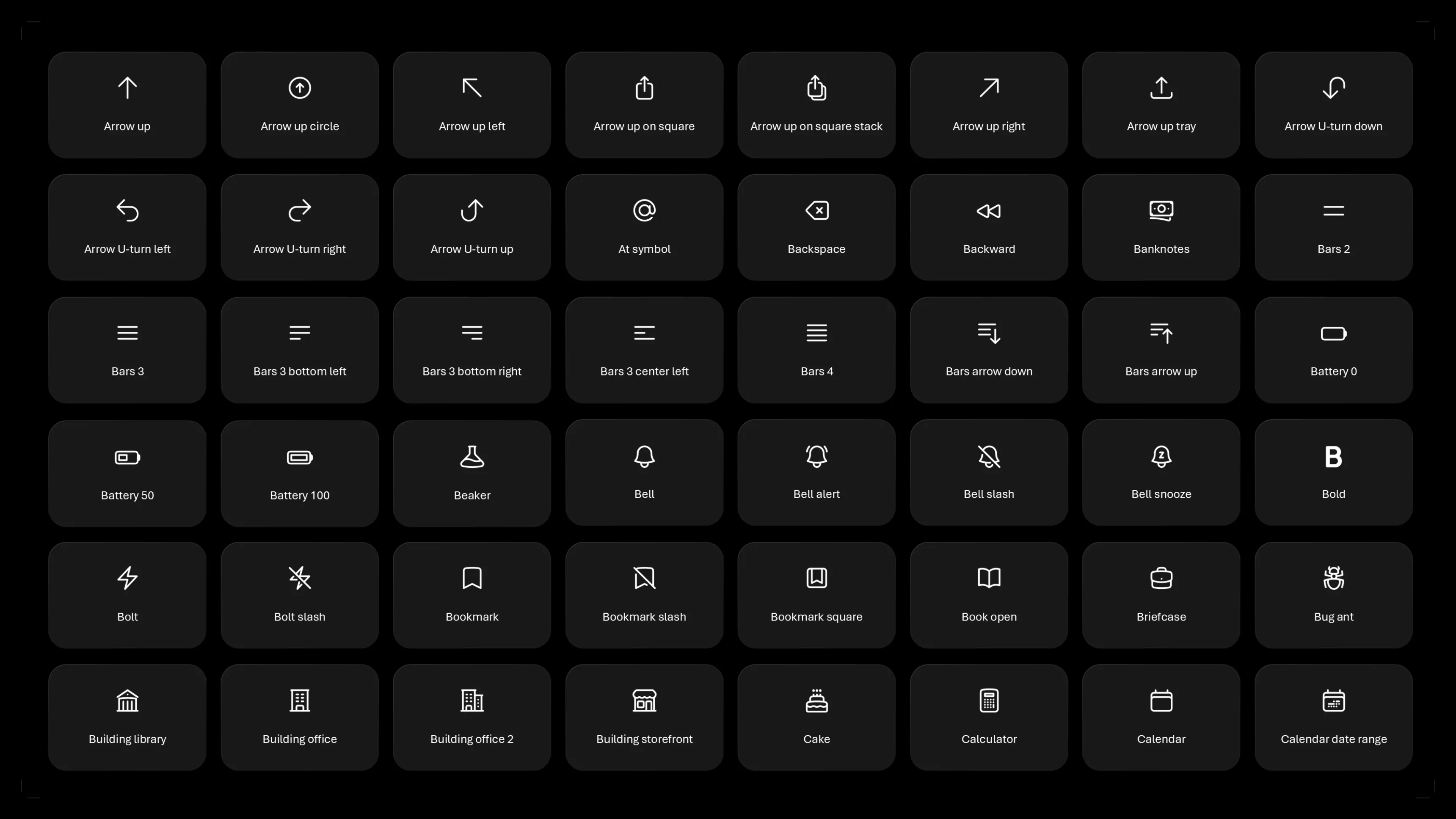
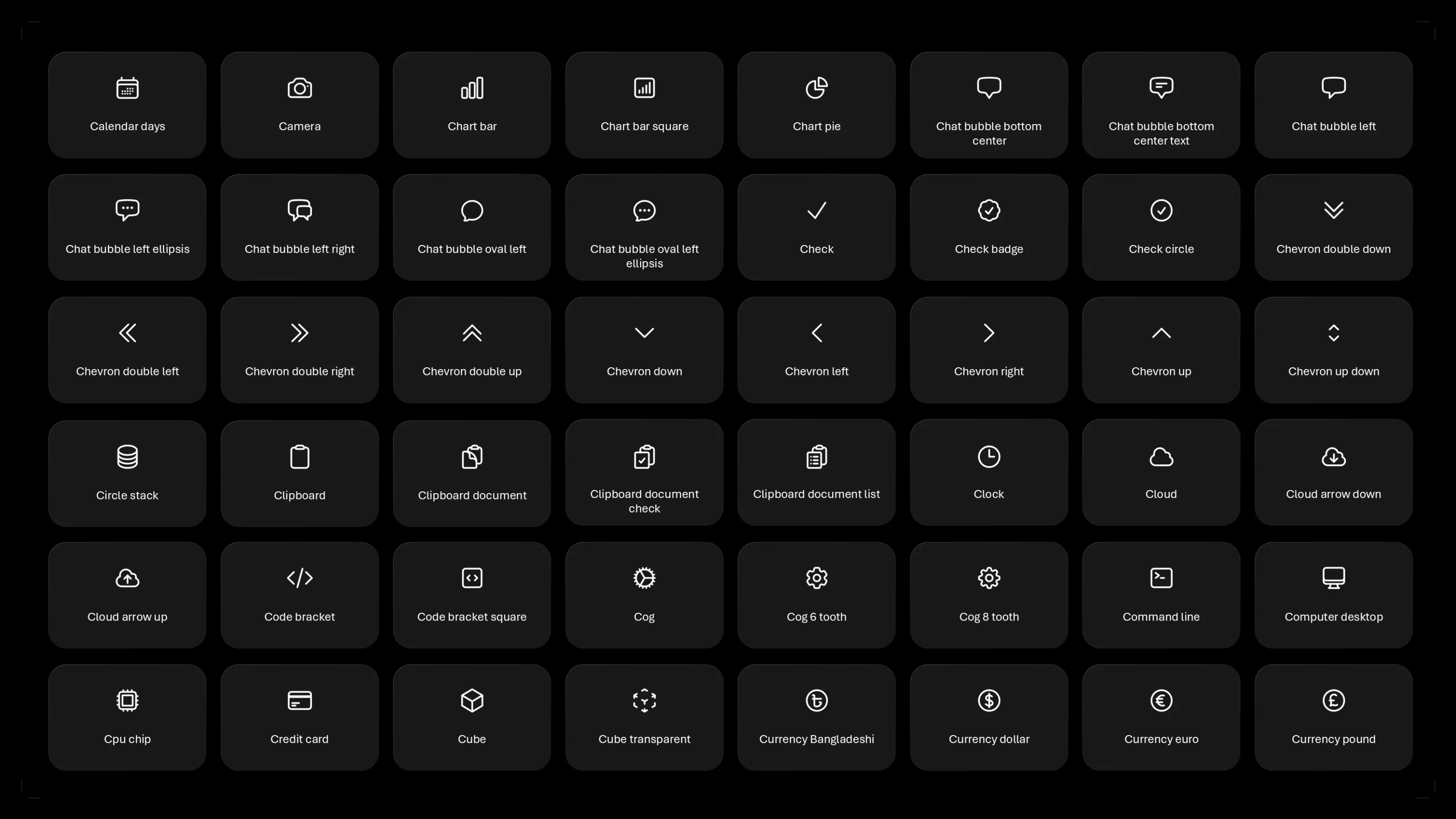
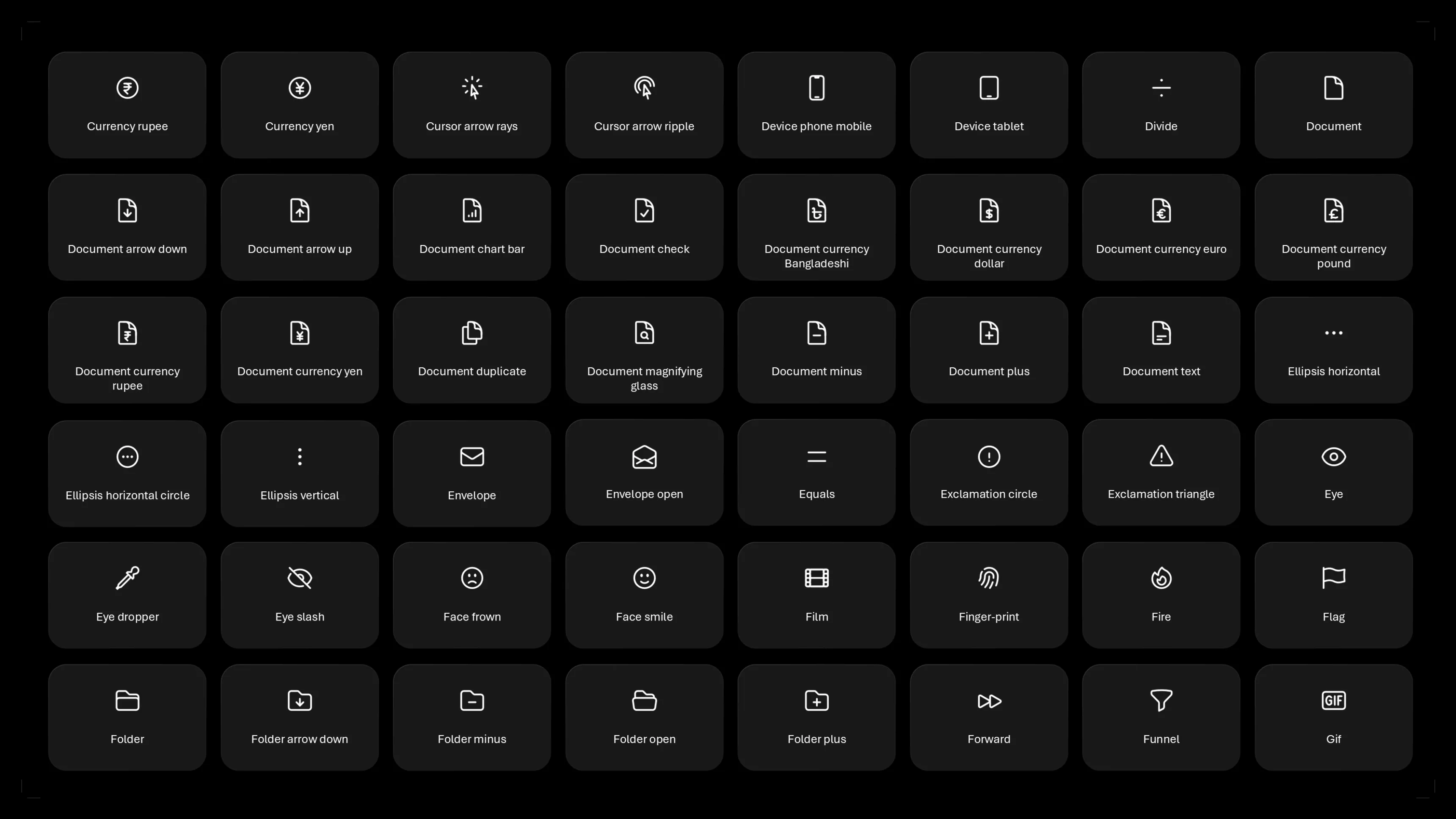
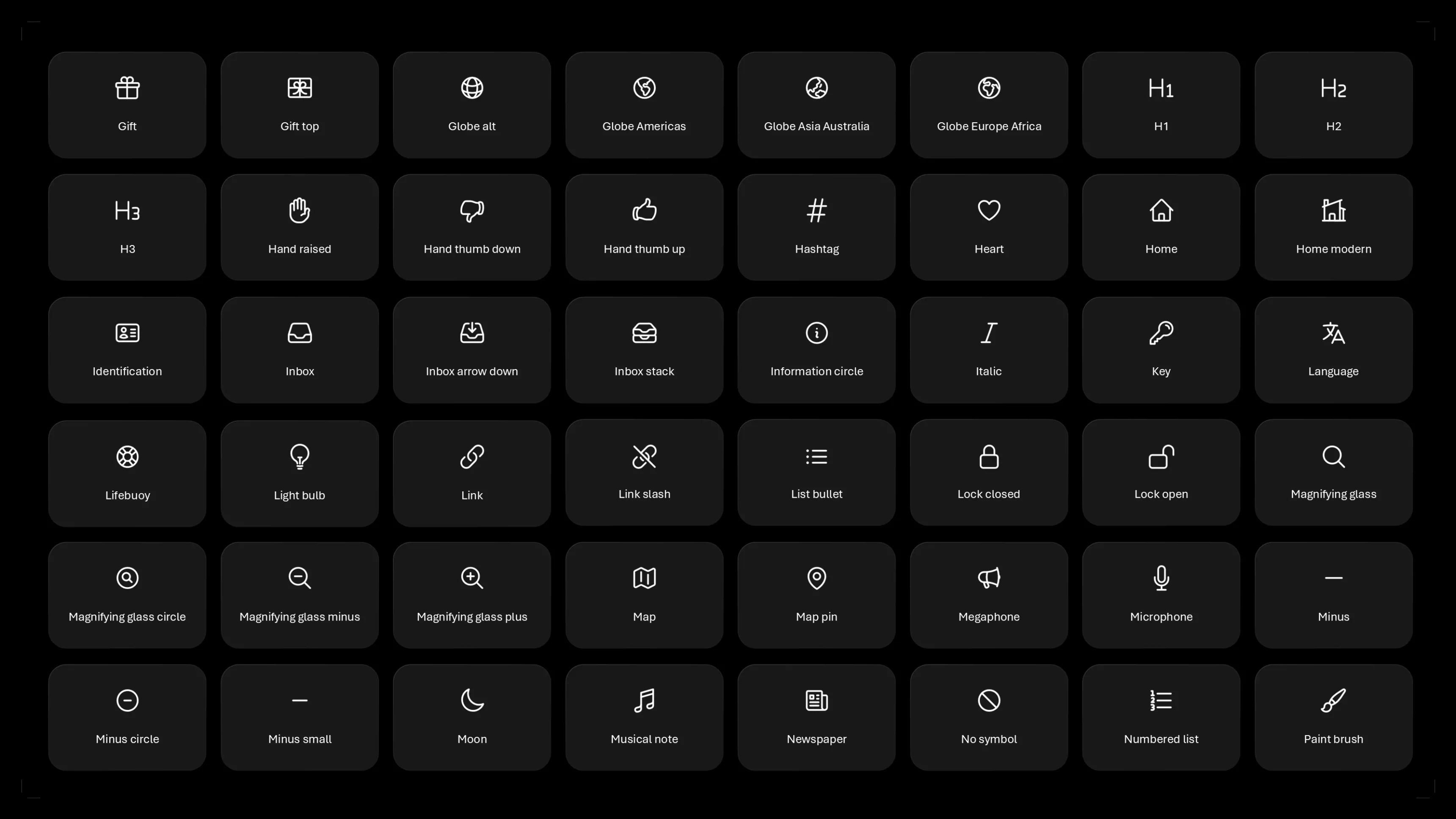
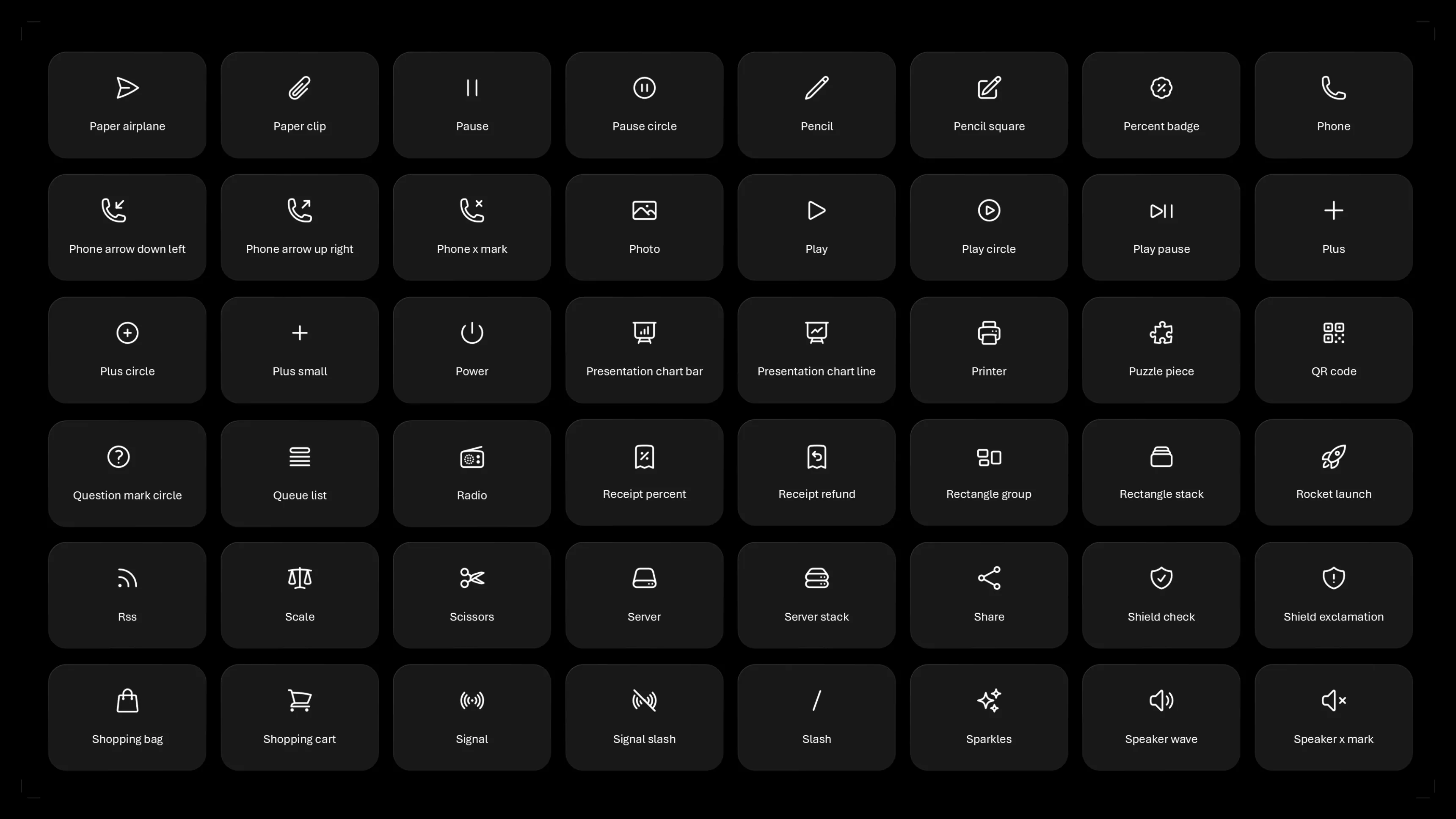
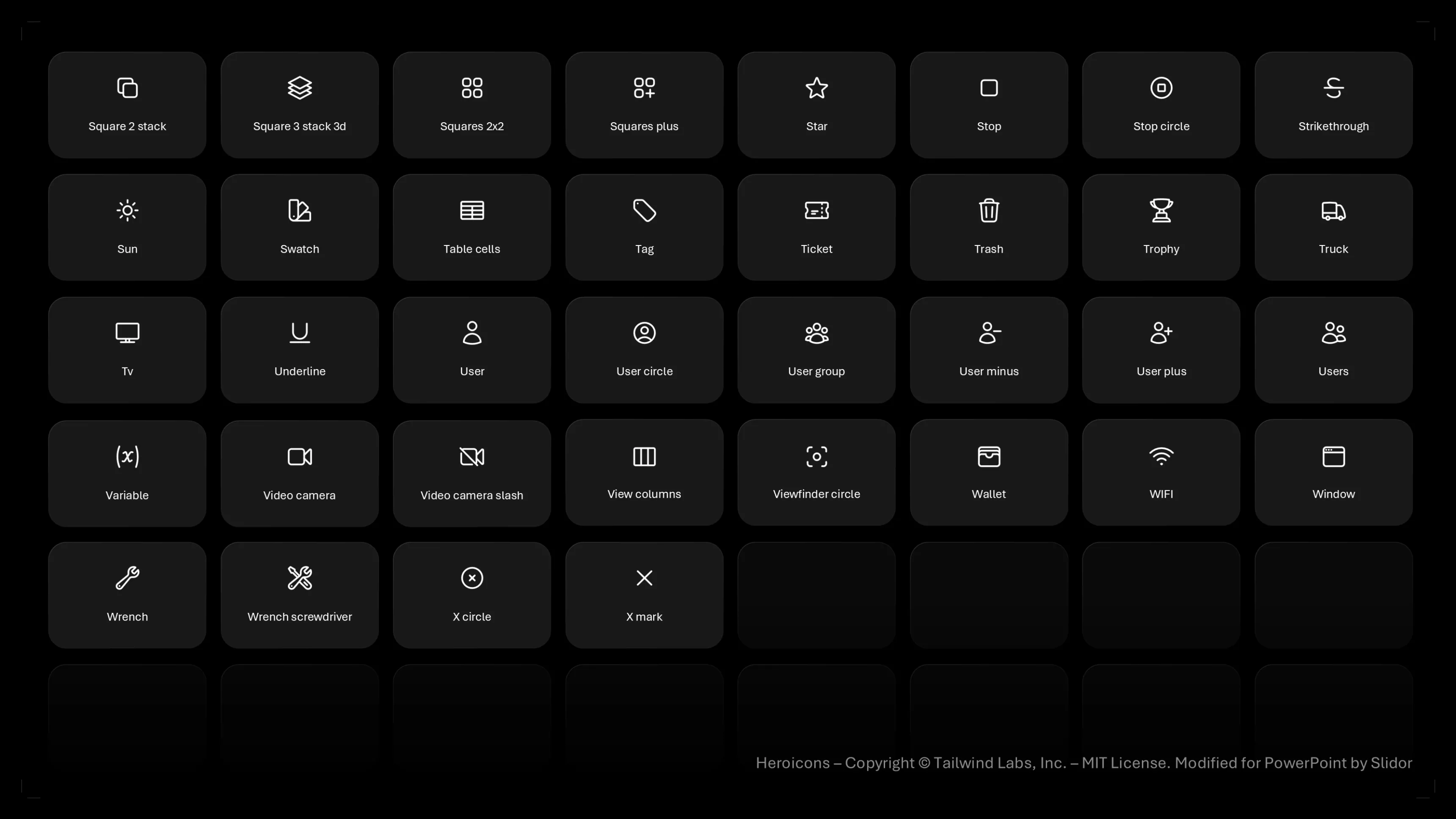
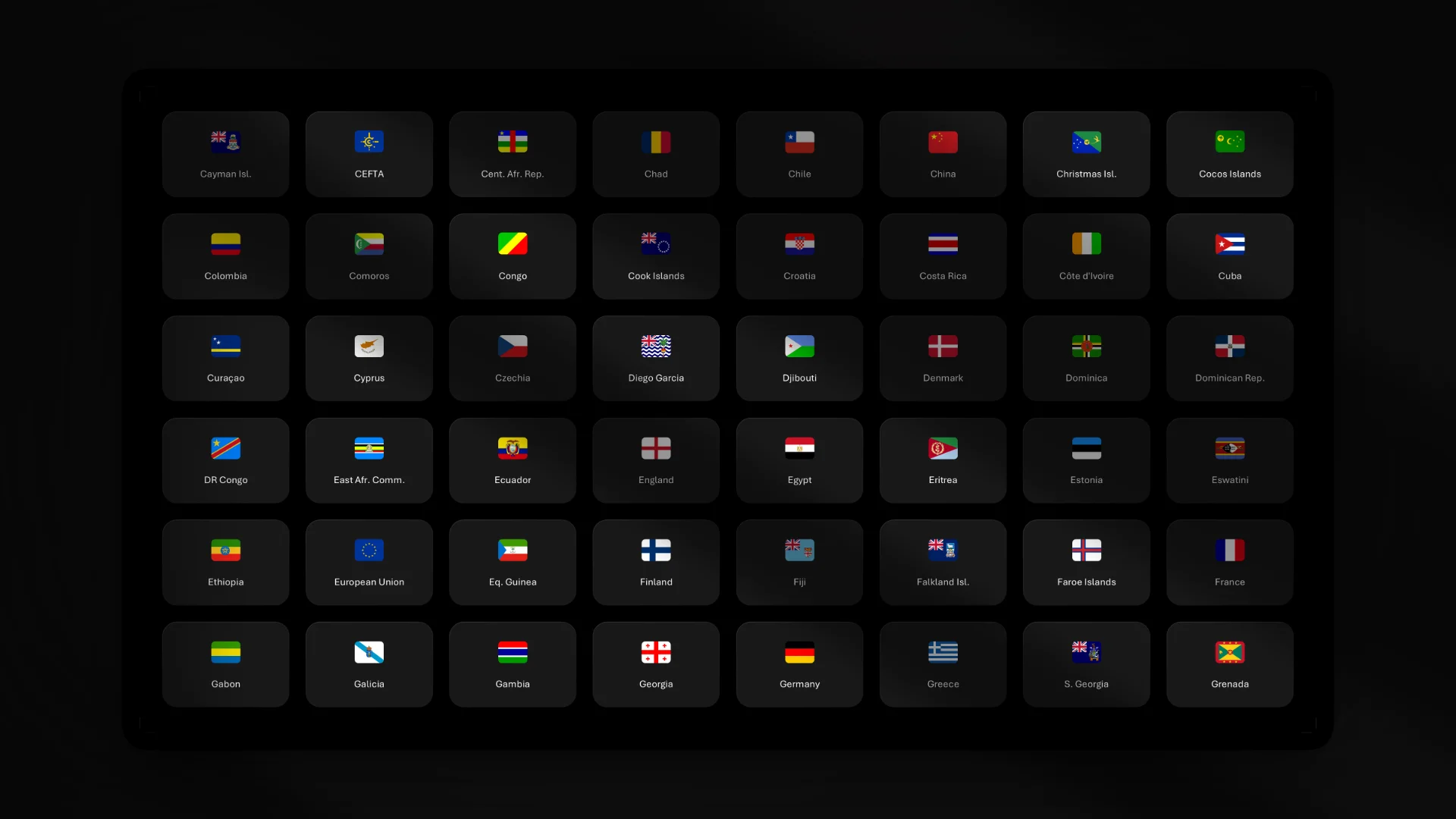
+300 professional icons for PowerPoint, royalty-free and ready to use. 100% free download.
What's in the download
- +300 professional icons for PowerPoint, sorted by category
- Vector icons: resizing and recoloring without losing quality
- .pptx file compatible with PowerPoint 2016, 2019, 2021 and Microsoft 365
- Editable icons: color, size, line thickness editable directly in PowerPoint
- 100% free, royalty-free, no commitment
Why use our PowerPoint icons?
Unlike generic icon banks, our collection was specially designed for PowerPoint. Each icon fits naturally into a slide, with proportions and a style suited to professional presentations.
Royalty free, unrestricted
All icons in this collection are royalty-free. You can use them in your internal presentations, customer pitches, training, or sales documents.
Agency quality, offered free of charge
This file was created by Slidor, PowerPoint agency, specialized in the design of high-end presentations. We share the icons we use every day for our customers for free.
Fully editable in PowerPoint
Each icon is a native PowerPoint vector object. You can change color, size, line thickness, all directly in PowerPoint, without external software.
How to change the color of an icon
1. Select the icon
2. Go to Format > Shape Outline
3. Choose the color you want (or enter a hexadecimal code to respect your graphic charter)
2. Go to Format > Shape Outline
3. Choose the color you want (or enter a hexadecimal code to respect your graphic charter)
How do I resize without losing quality?
Vector icons resize without any rasterization. Hold Shift by drawing a corner to maintain the proportions.
Where can I find icons for PowerPoint?
There are several sources of icons for PowerPoint : Microsoft's integrated library (limited), banks like Flaticon or Icons8, or specialized collections like ours. The advantage of our file: the icons are already in PowerPoint format, editable and ready to use: no need to convert SVG or PNG files.
How do I add icons to PowerPoint?
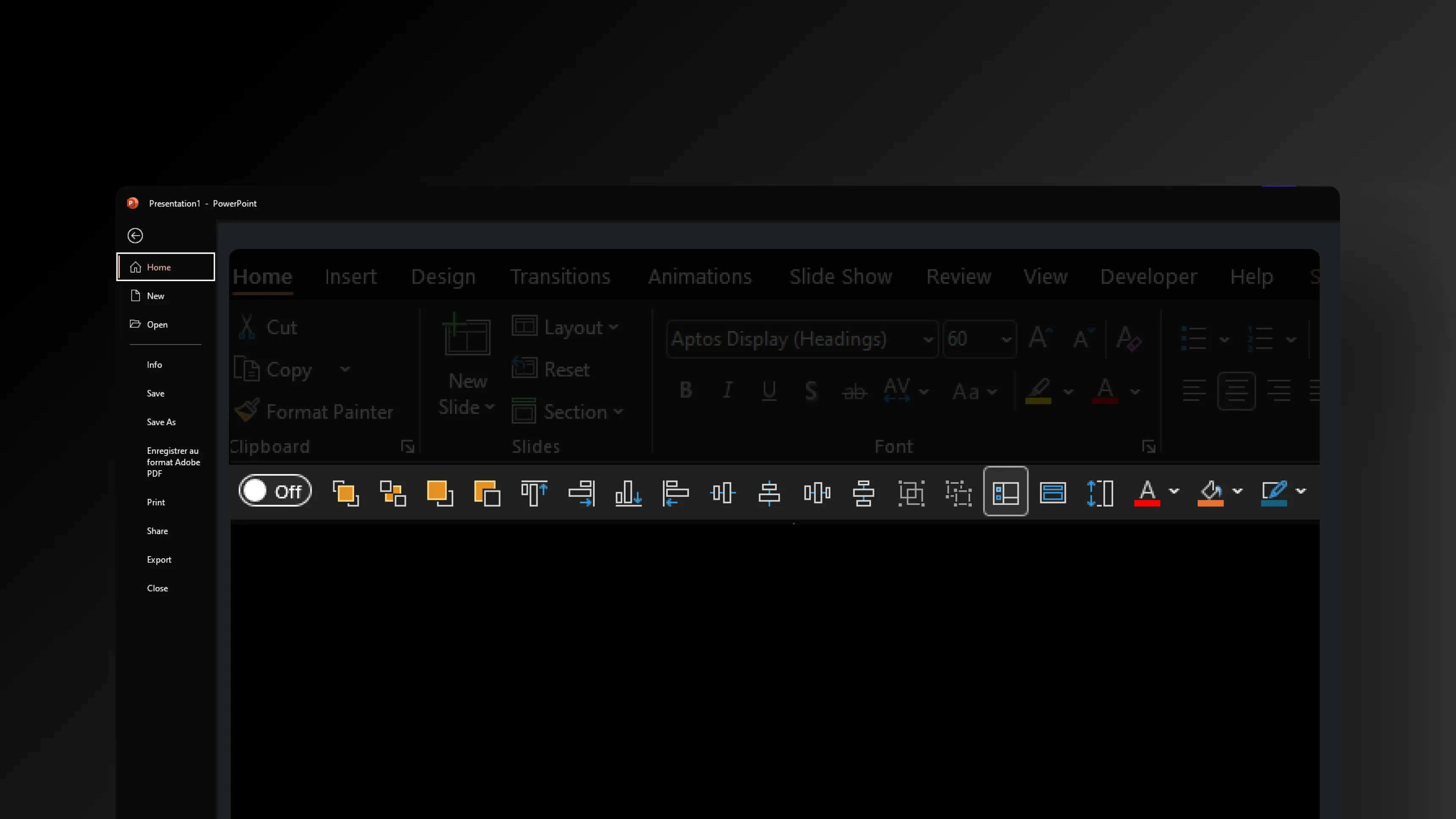
To add our icons: open our.pptx file, copy the desired icon (Ctrl+C) and paste it into your presentation (Ctrl+V). You can also use the Insert > Icons tab in PowerPoint to access the built-in Microsoft library, but it's more limited than our collection.







.webp)
.webp)
.webp)