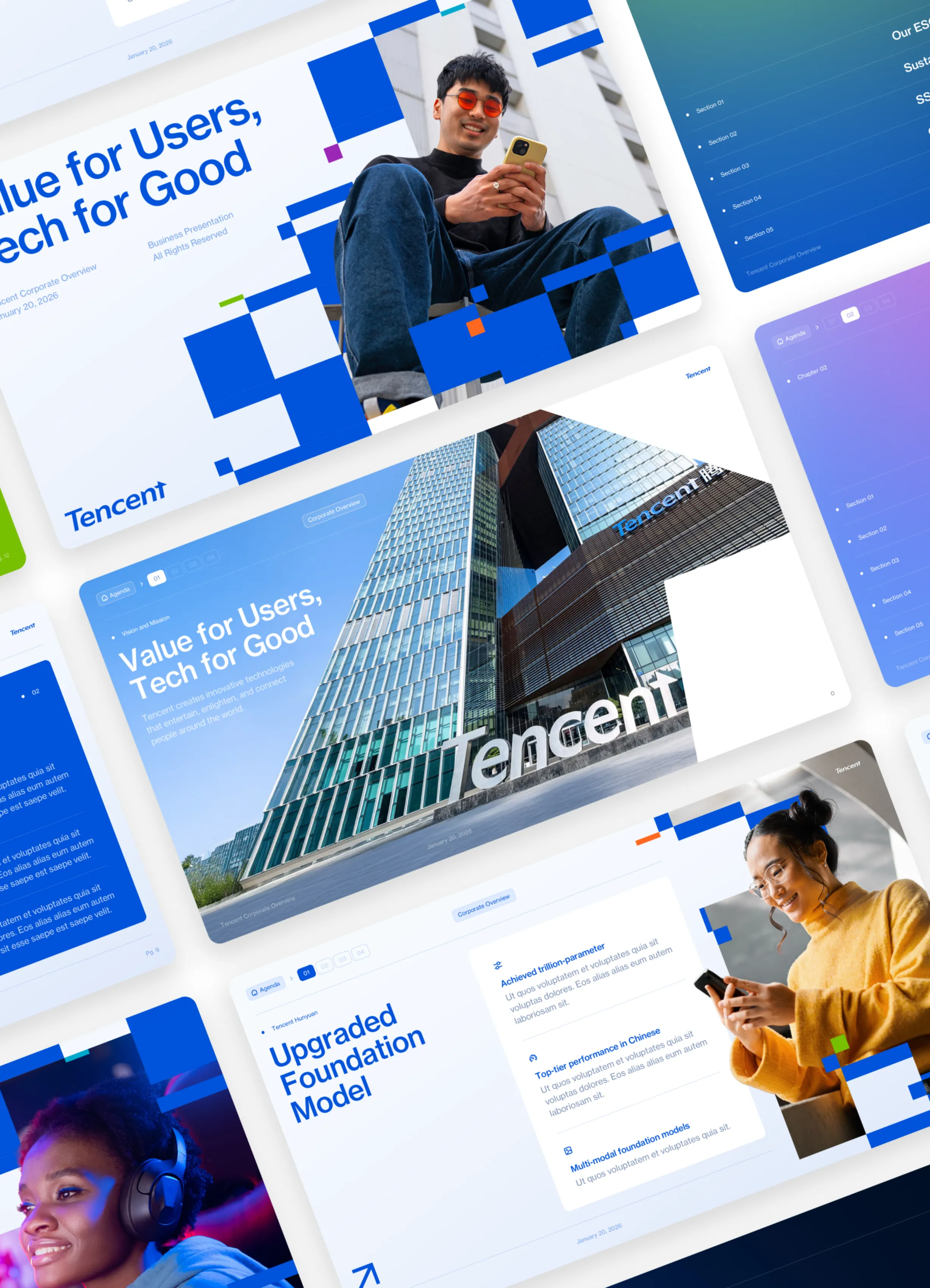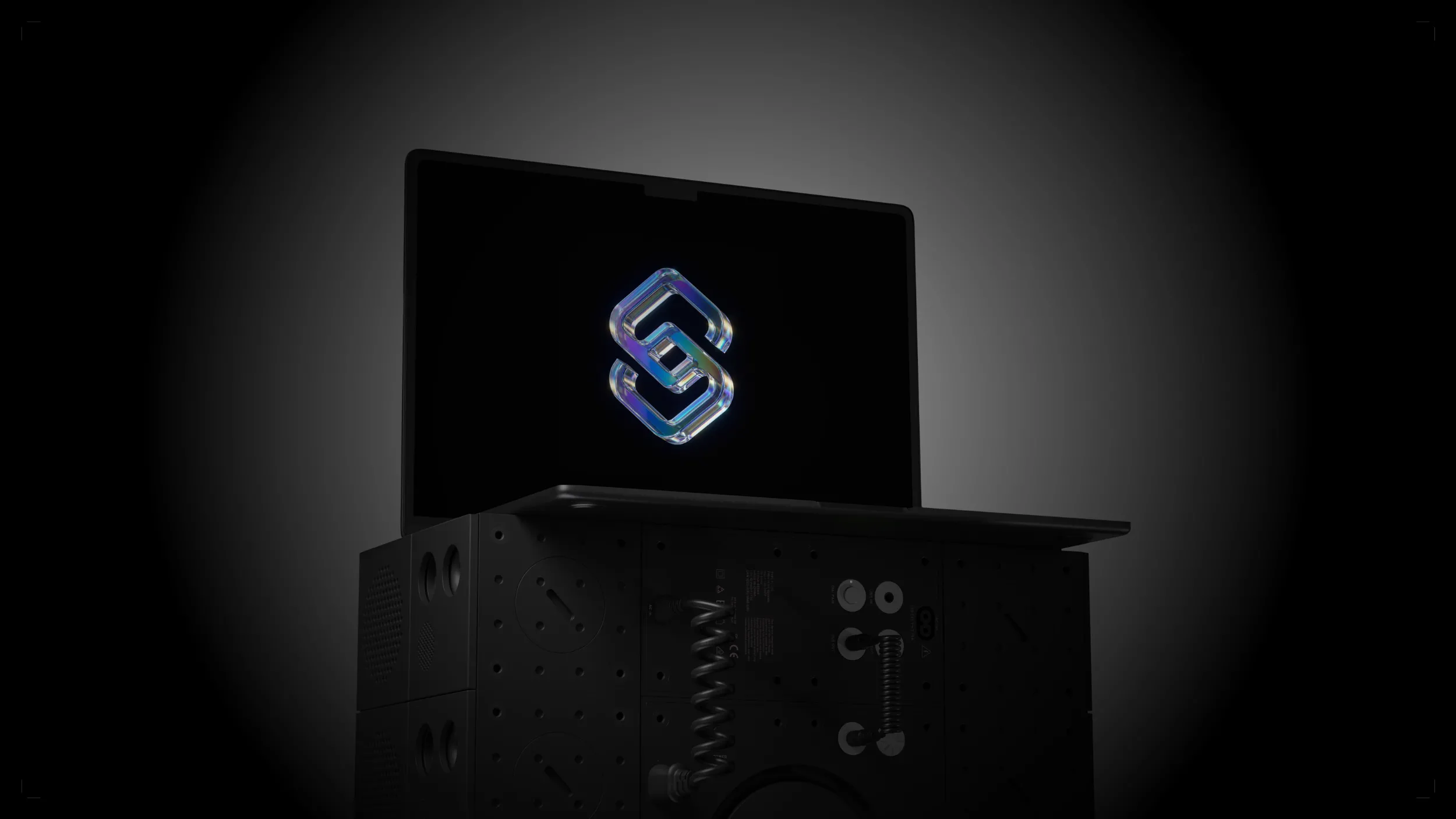
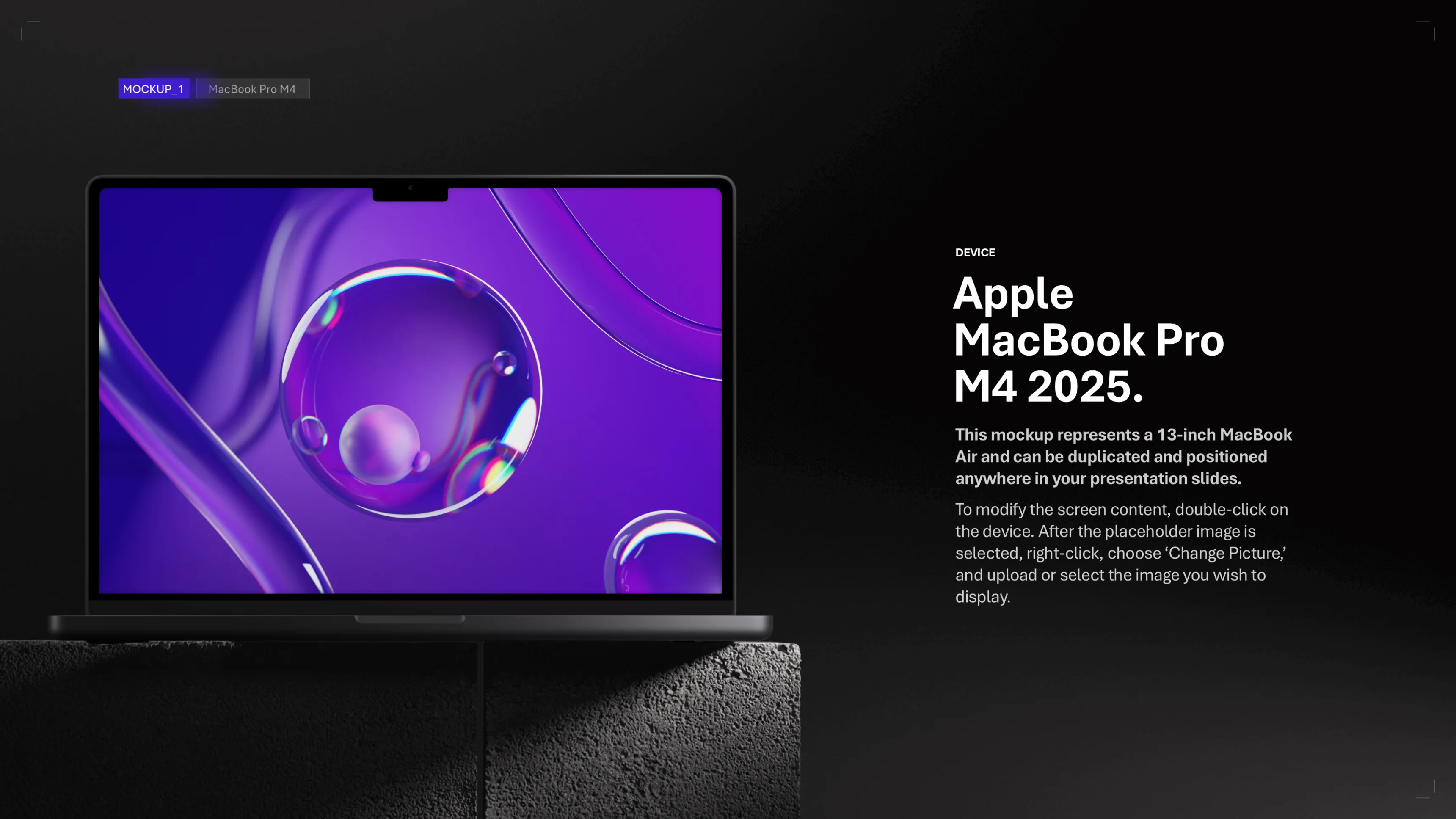
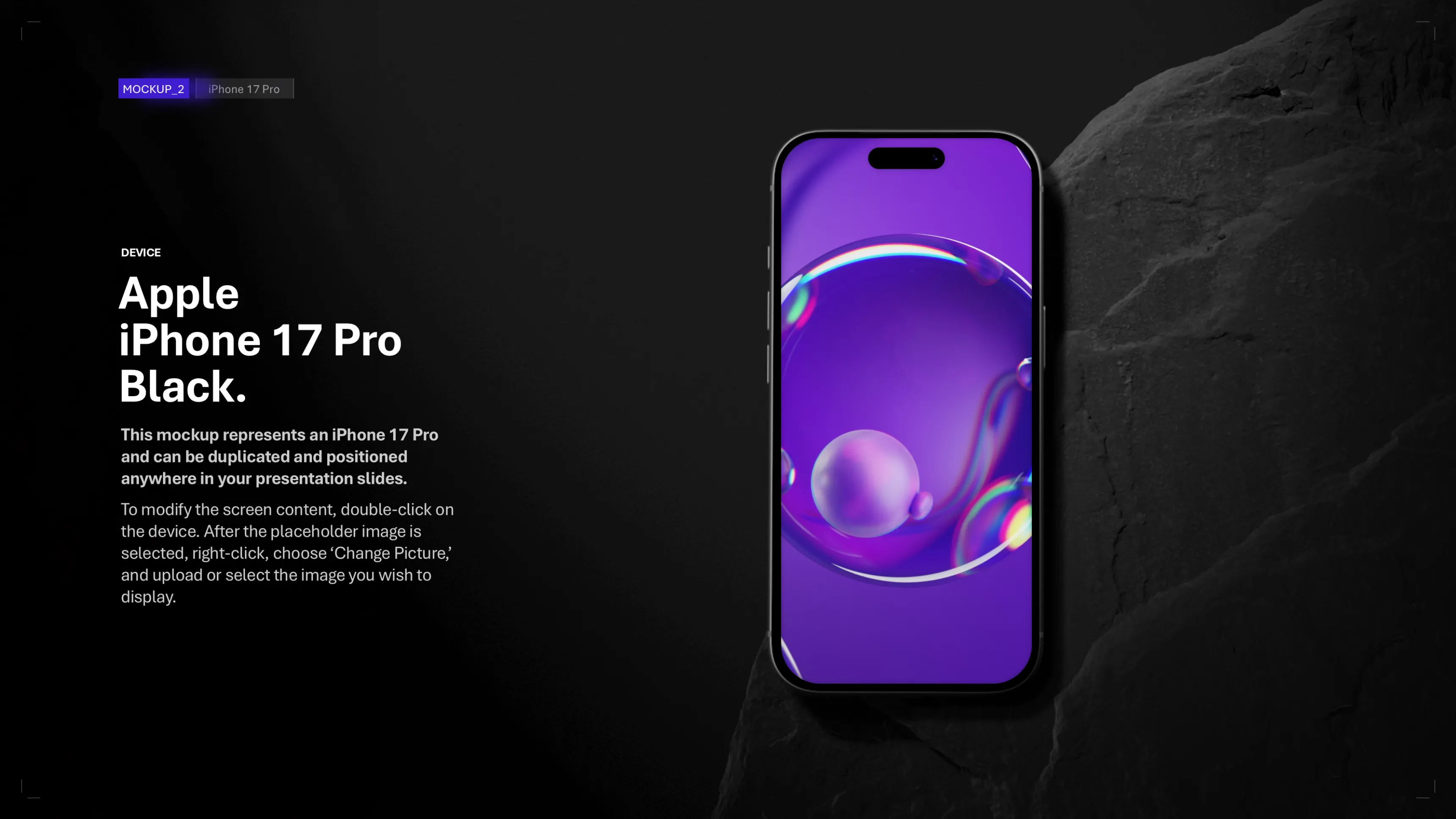
Professional and editable mockups for your PowerPoint presentations. Insert your visuals in a few clicks. 100% free.
What's in the download
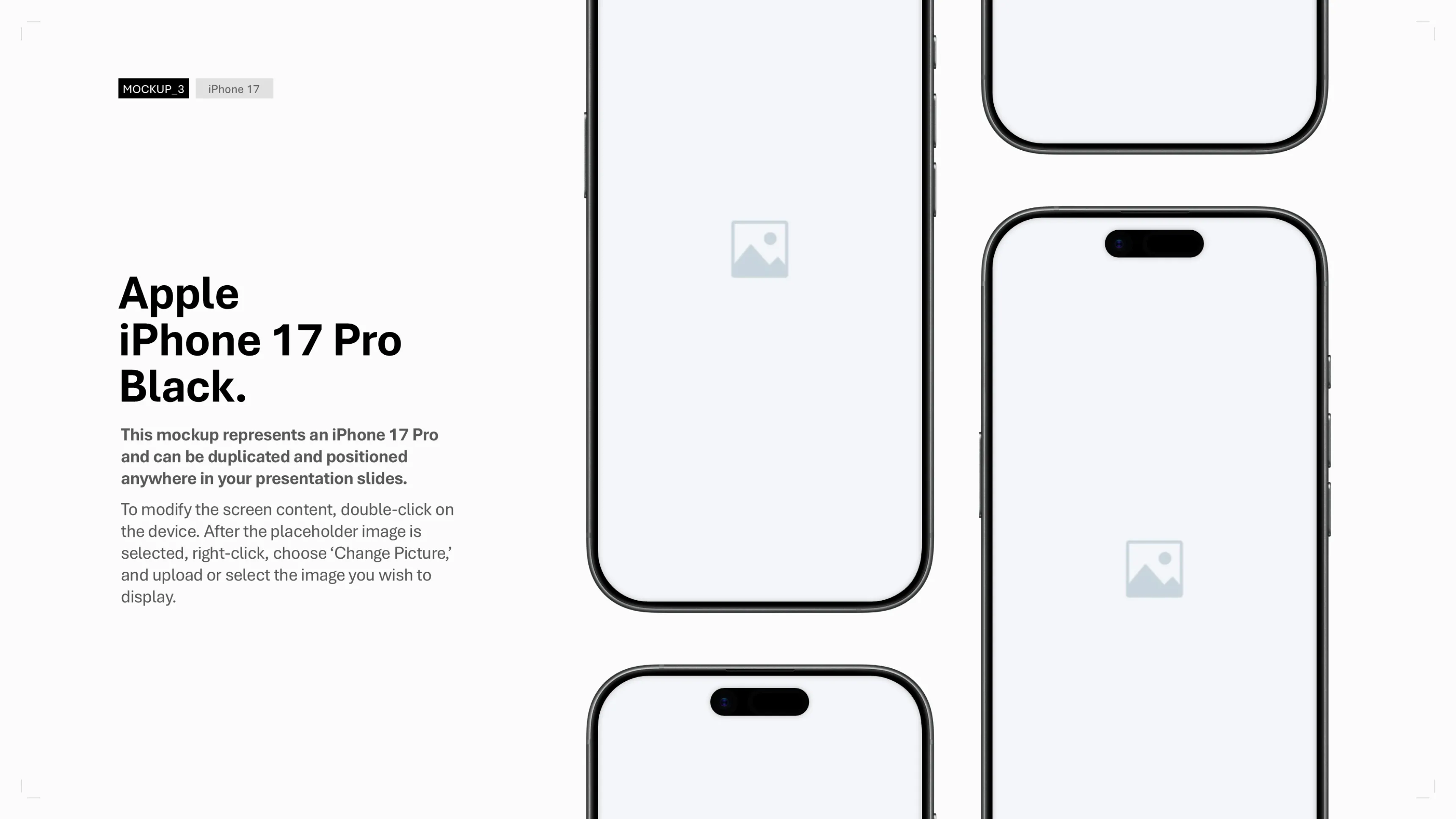
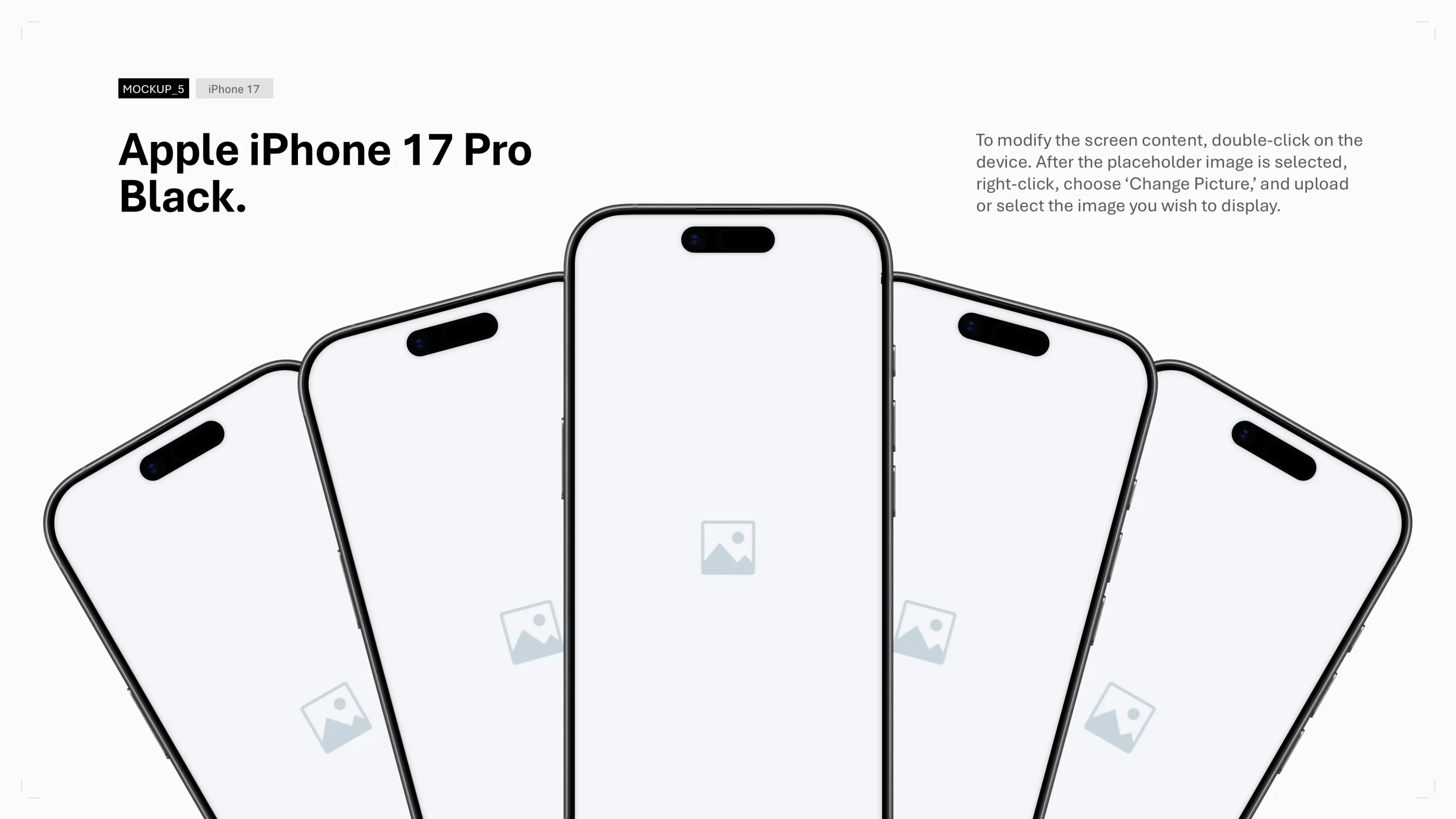
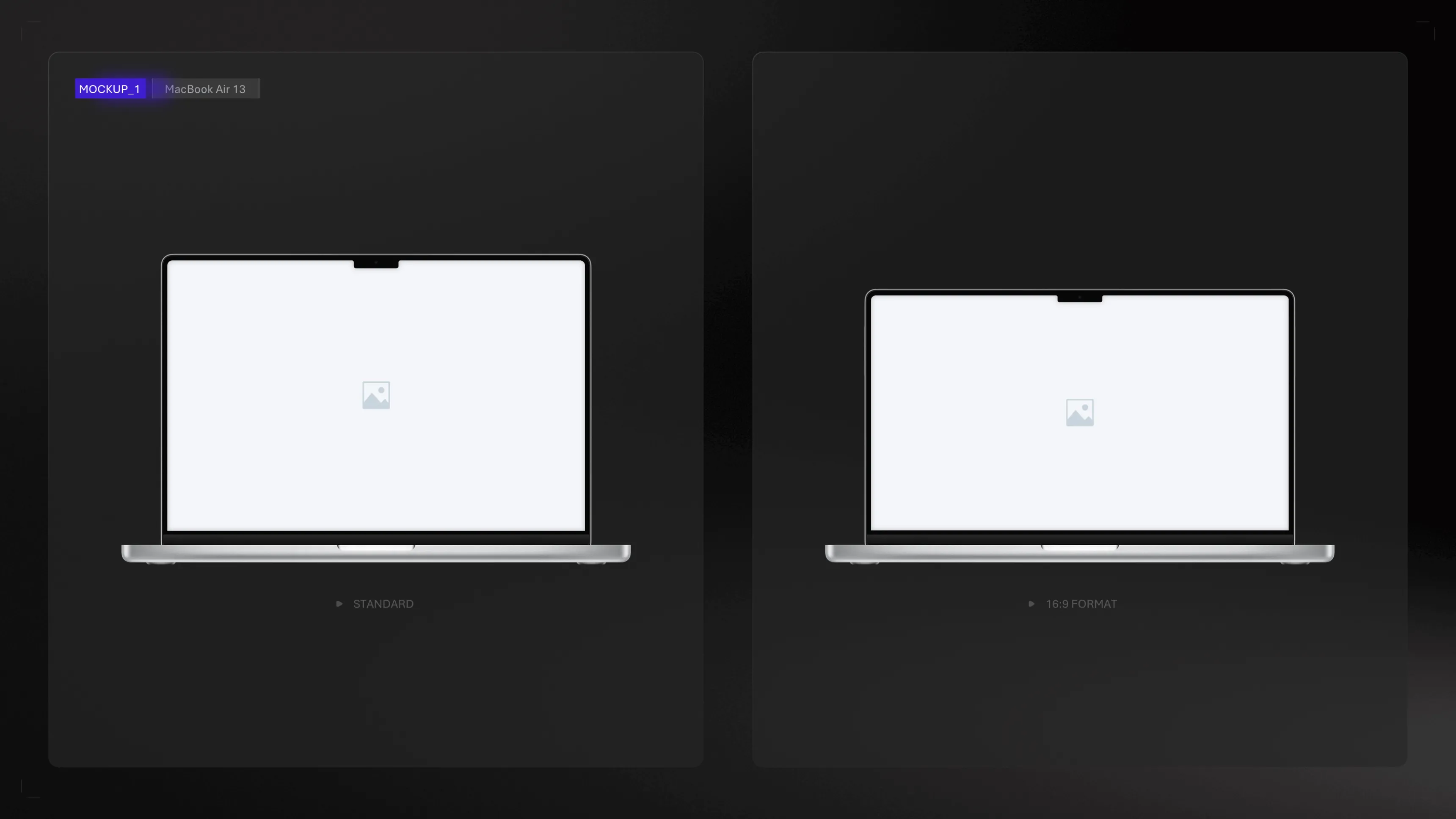
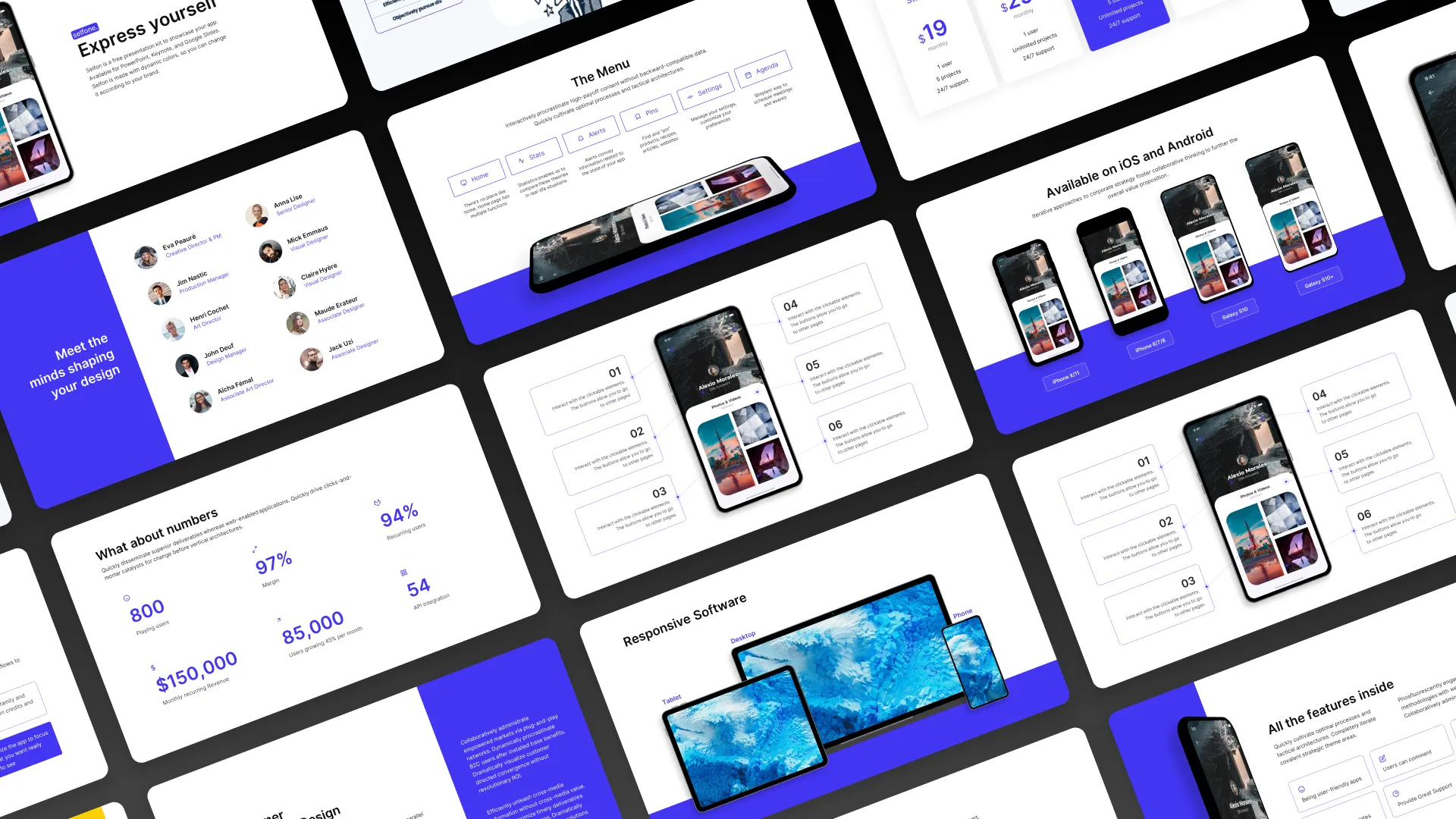
- Screen, smartphone, tablet and laptop mockups in PowerPoint format
- High quality, realistic and professional visuals
- Fully editable: insert your own screenshots and visuals directly into PowerPoint
- Several angles and perspectives: face, 3/4, isometric
- .pptx file compatible with PowerPoint 2016, 2019, 2021 and Microsoft 365
- 100% free, no commitment
Why use our PowerPoint mockups?
A mockup transforms a simple screenshot into a professional and impactful visual. Place your website, application or interface in a realistic setting (laptop, smartphone, tablet) to give credibility to your presentations.
No external software required
Unlike Photoshop or Figma mockups, our mockups work directly in PowerPoint. No need to master design software. Simply replace the image in the mockup.
Agency quality, offered free of charge
These mockups were designed by Slidor, an agency specialized in PowerPoint presentations. These are the same visuals that we use for our clients' pitches and presentations, made available free of charge.
An essential for your pitches
Whether you present a mobile application, a website, a dashboard or a user interface, mockups provide a professional level of finish that makes a difference in the face of a customer or an investor.
How do I insert an image into a mockup?
Right-click the image and click “replace image.” Your new image will be adapted to the mockup without distortion. You can crop your image to adjust it if needed.
Where can I find visuals for PowerPoint?
There are several sources such as Unsplash or Pexels, refer to best sites to find free visuals.
Are these mockups free?
Yes, it's 100% free to download. Simply enter your email address to receive the PowerPoint file containing all the mockups. No payments or subscriptions required.
What is a PowerPoint mockup?
A PowerPoint mockup is a realistic representation of a device (screen, smartphone, laptop, tablet) into which you can insert your own visuals. It allows you to present a website, application or interface in a professional way, directly in PowerPoint, without using Photoshop or other design software.
What types of devices are included?
The collection contains mockups of 5 types of devices: desktop screen (monitor), smartphone, tablet, laptop, and multi-device compositions combining several devices on the same slide.
Are mockups compatible with all versions of PowerPoint?
Yes, the.pptx file is compatible with PowerPoint 2016, 2019, 2021, and Microsoft 365 (Windows and Mac). Mockups work natively in PowerPoint without plugins or extensions.




.webp)
.webp)
.webp)